





Free Design
Move in and out of our workflow at will
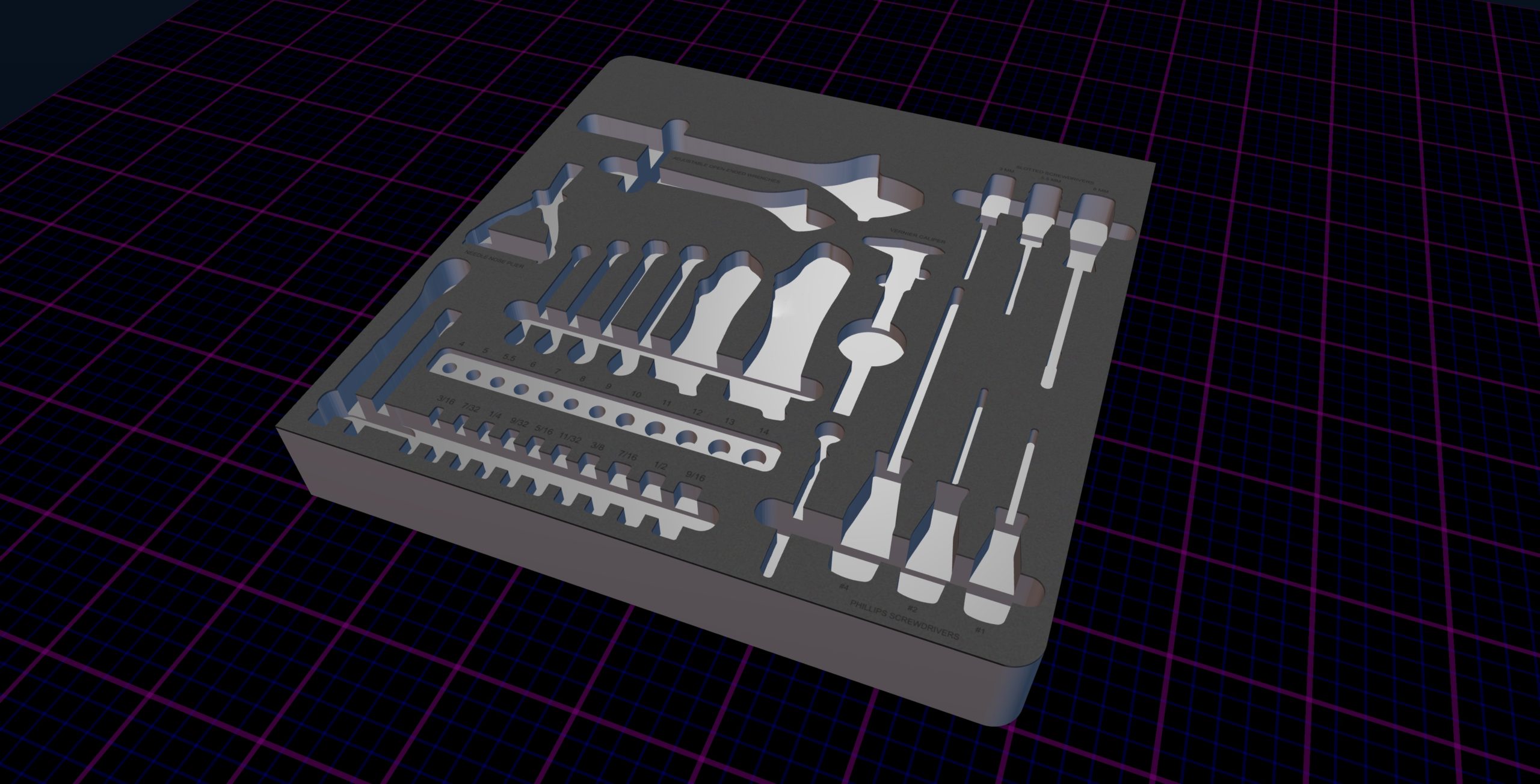
Our design department is your design department.
FREE Design
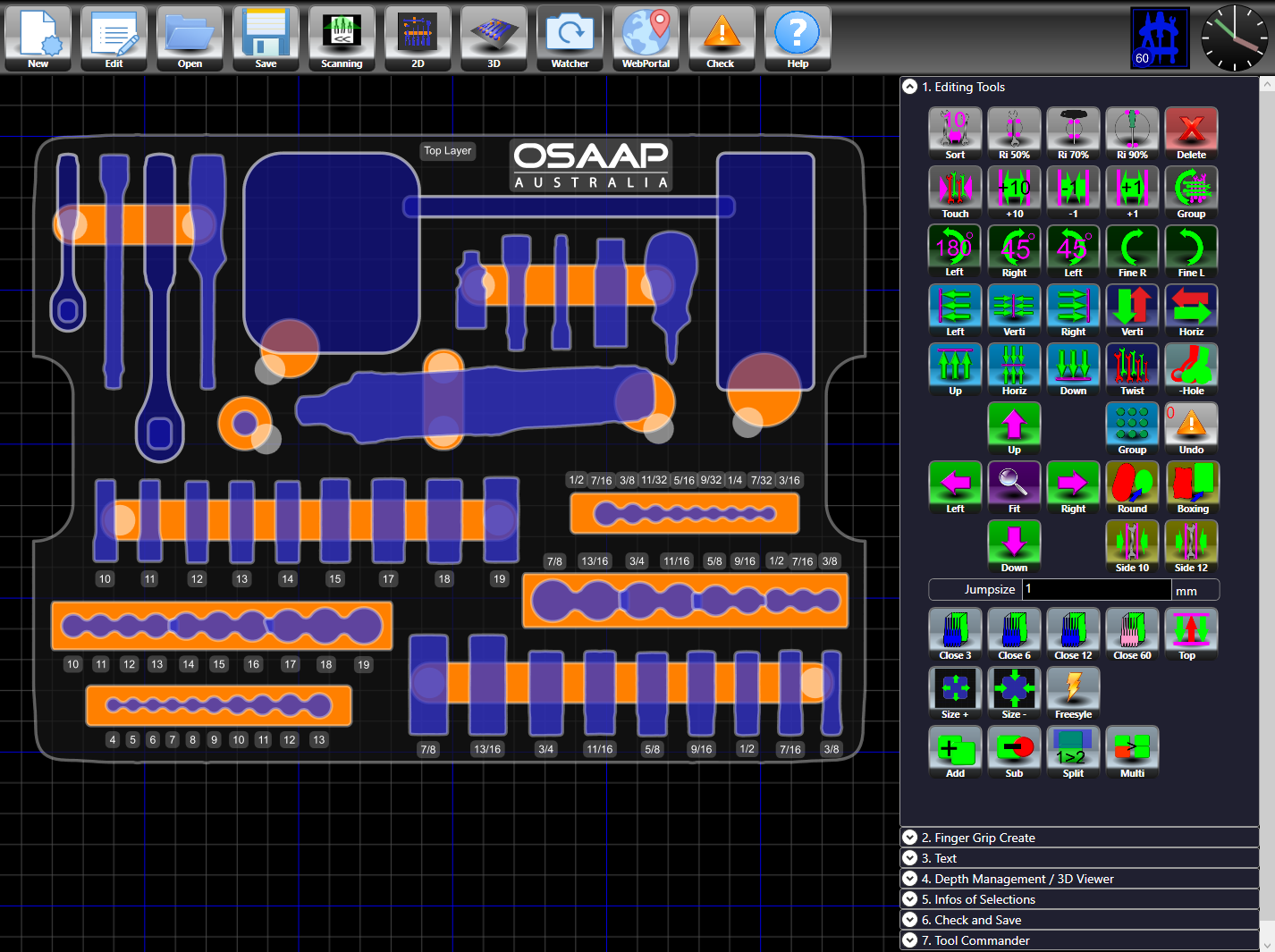
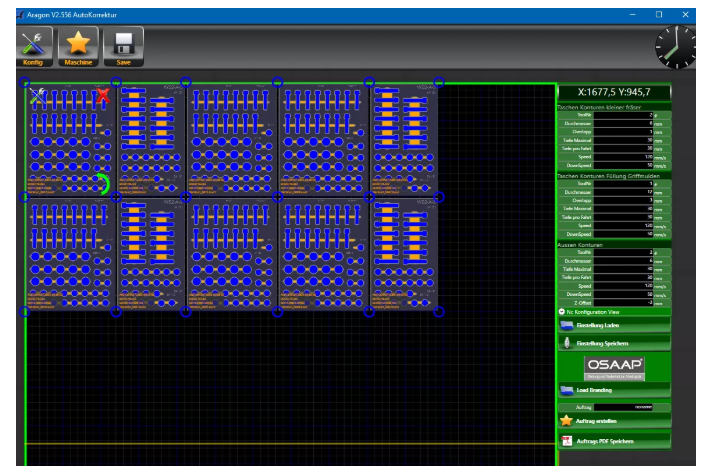
We offer free design services to all of our customers. If you want to create your own design in our custom CAD software, we offer multiple solutions to aid you in learning how to use it.
Watch Our Blue Shadow Overview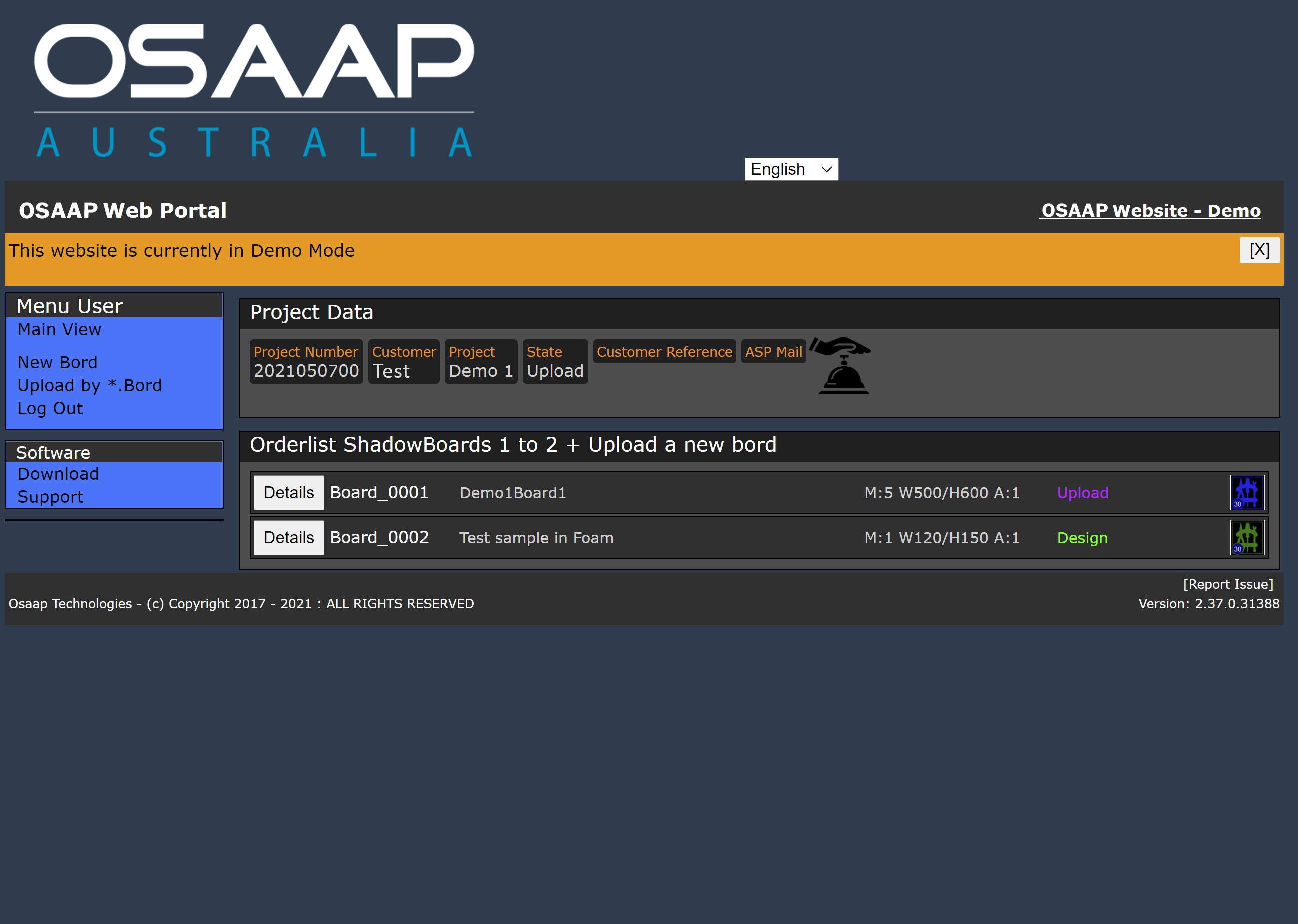
Design Process
Step 1: Web Portal
Log in to your Web Portal Account. Please contact us if you do not have an account, and we will create one for you quickly.
Step 2: Create Board
Open the Create Board toolbox and go through the steps needed
Step 3: Upload Media
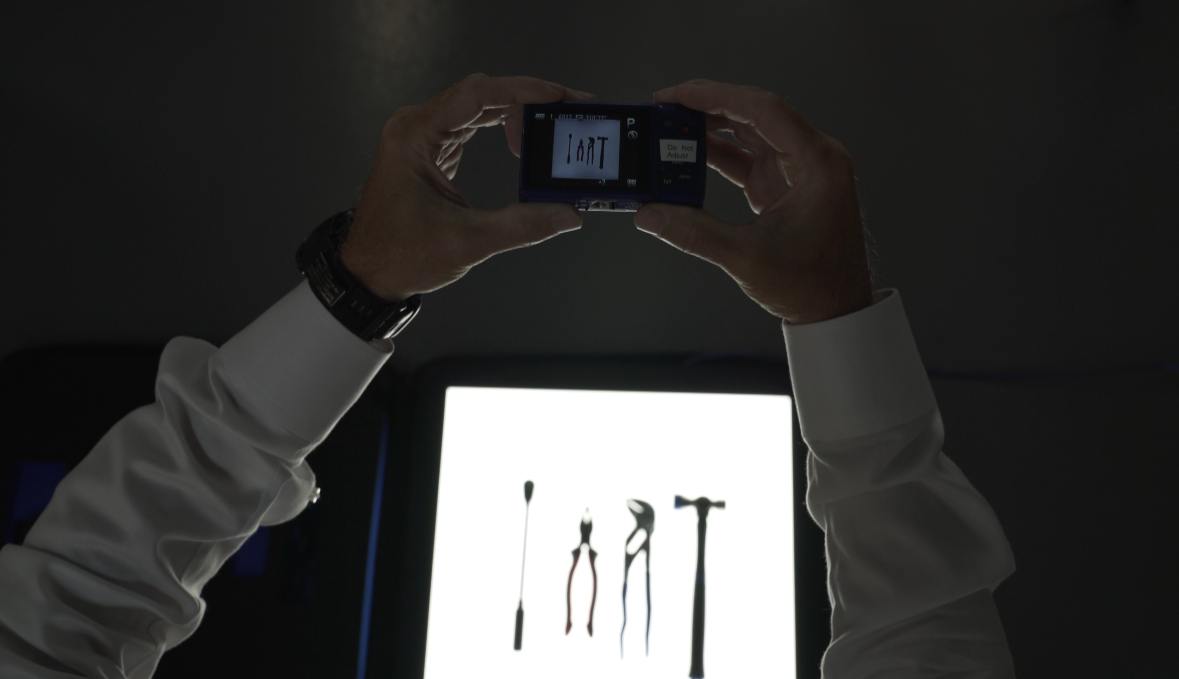
Follow the upload process to add you CAD files, 1:1 tracing, 2D images taken on our light panel system, or 3D images developed using the Obi3 Scanning system.
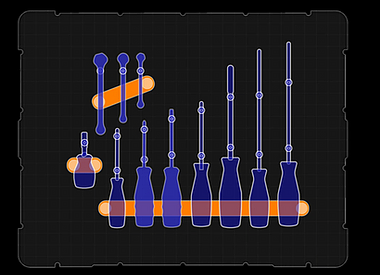
Step 4: Upload Help Photo
Follow the upload process to add a photo of an example of how you would like the board layout to look.
Step 5: Free Design
Our design team will convert your media to OSAAP .tool files and design your board to match the layout provided
Step 6: Approval
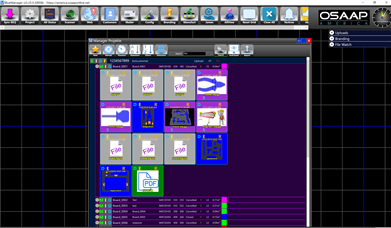
A notification will go out to you when your design is ready for review. Upon login, you will find the completed design with a drawing. You can approve or decline the design, and add notes for the changes you need. A declined design starts the design process over again.
NOTE: All the revision history is saved and accessible to you at anytime
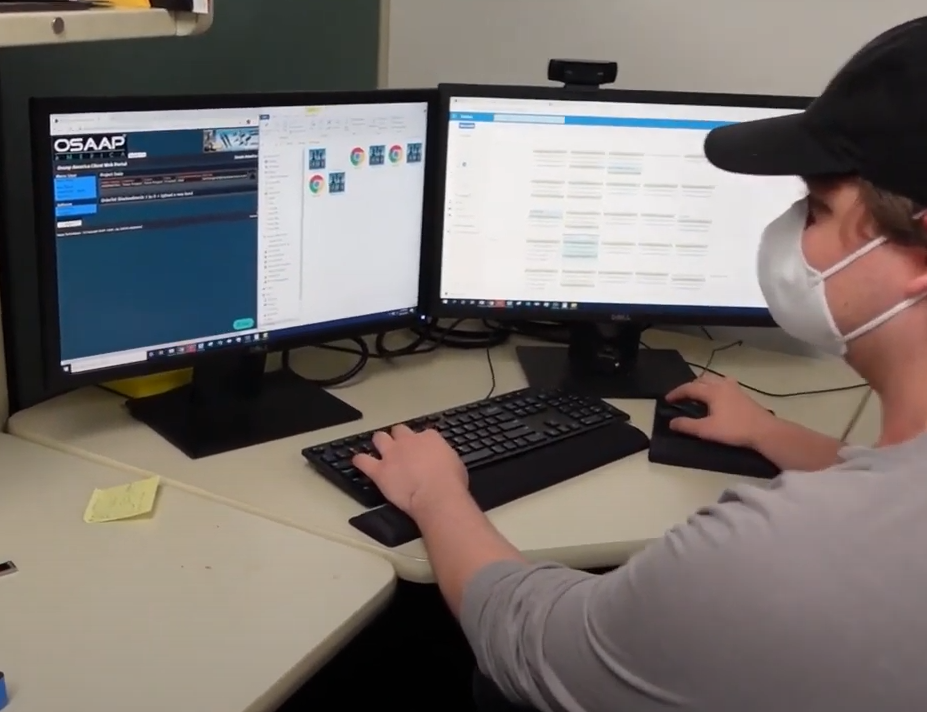
There is always someone available to aid you in your shadow board creation process
Tech Support
We will do our best to match the layout shown in your help photo and send you an approval drawing for you to check and confirm before manufacturing. In addition, you can schedule a meeting with our design team any time, with our online scheduler. If you would rather have the design team make your shadow board for you, we offer a free collaborative communication process to create a design you will love.
More Processes
Order and Cleanliness in the Workplace

Contact Us
Have any questions?
We Can help you.
Our team looks forward to hearing from you. Please contact us for information about your application needs.
Get in touch