





Pelican Cases
Pelican Cases
Step 2: Designing your kit
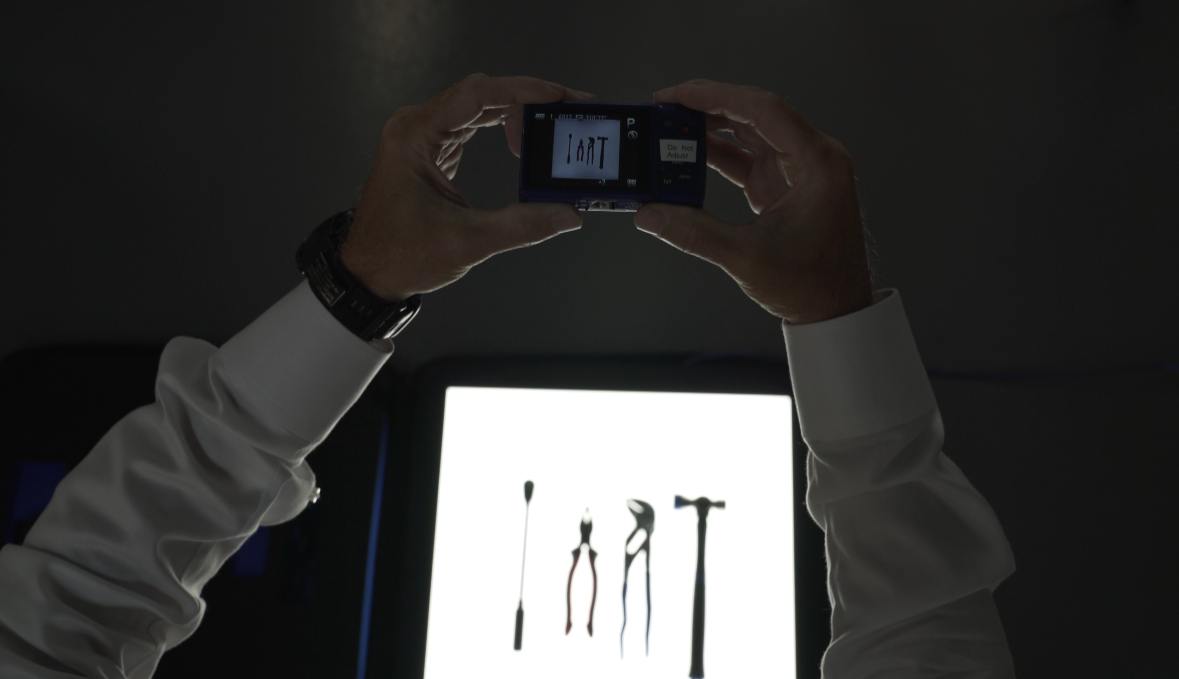
We have databases with many standard tools and items from past projects that can be leveraged to start your design. We can also import your CAD files of parts, work with Tracings, or 2D scan your desired equipment.
Step 3: Blue Shadow
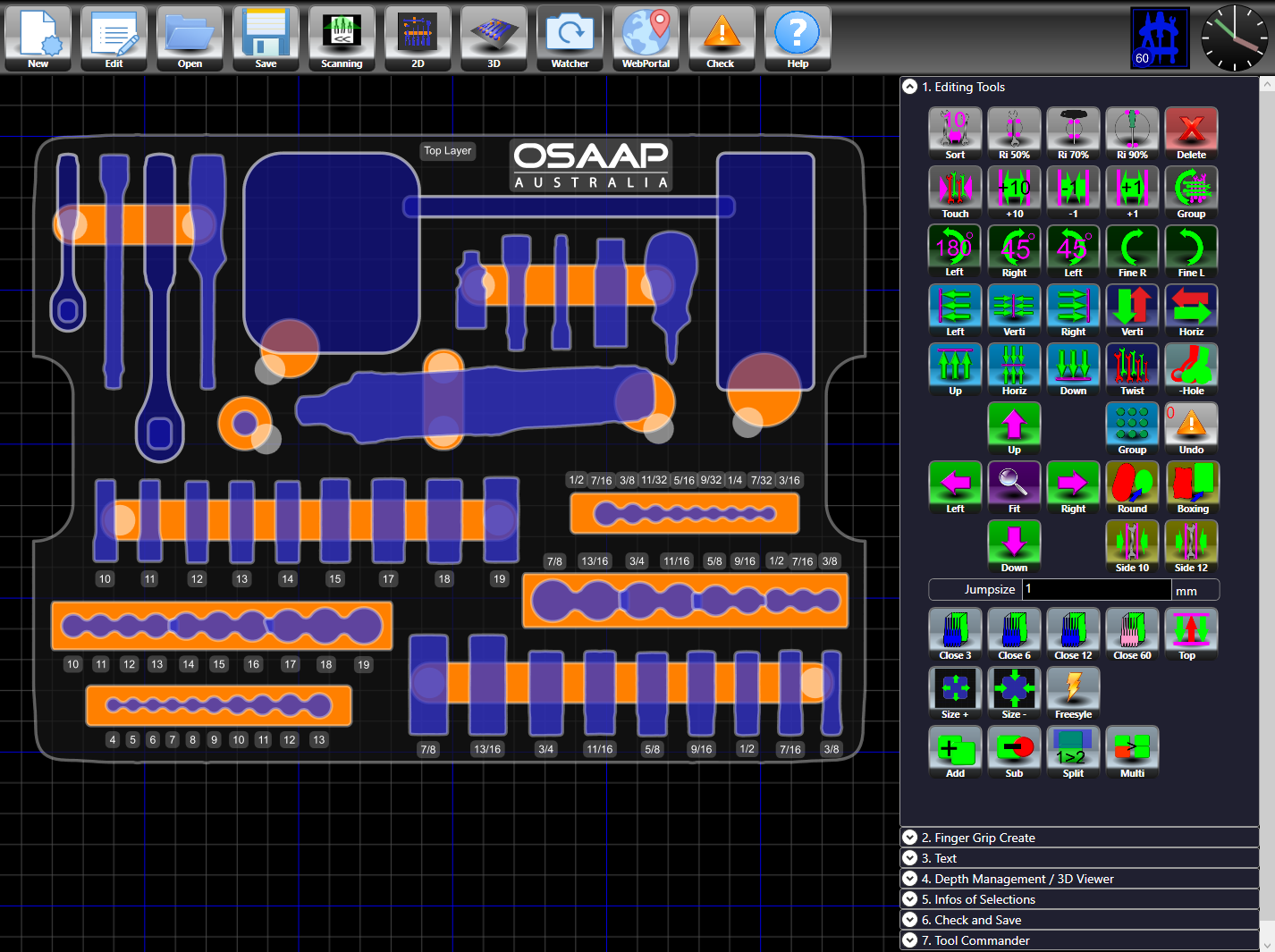
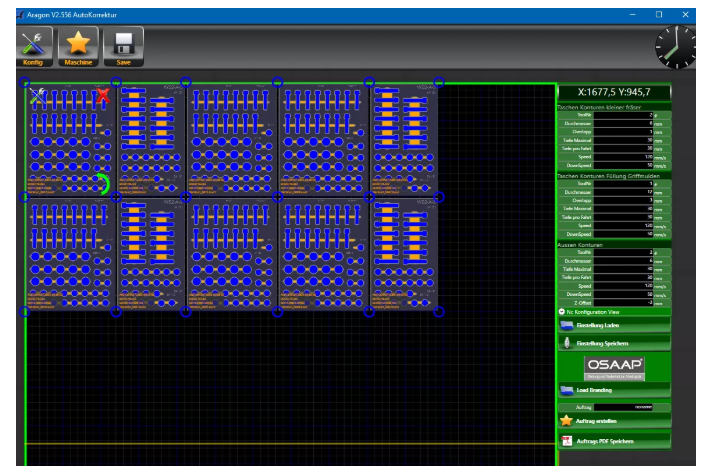
Once the models for all your parts have been created, we design each layer of the foam to hold your parts in our proprietary CAD Software, “Blue Shadow”. Blue Shadow is a FREE download available to our customers at no charge. It is a simple CAD software designed specifically for laying out parts in foam and can be used with minimal training.
If you have the kit already designed, we will import your design into Blue Shadow, so that the project can follow our standard workflow.
Step 4: Project Management
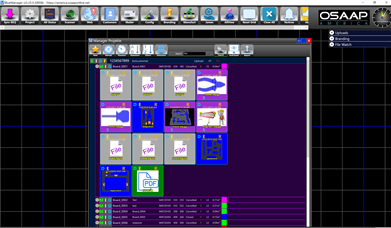
We have found that project management is central to our success in managing low volume or high mix projects. As a result, our R&D budget has been focused heavily on our project database called “Blue Manager”.
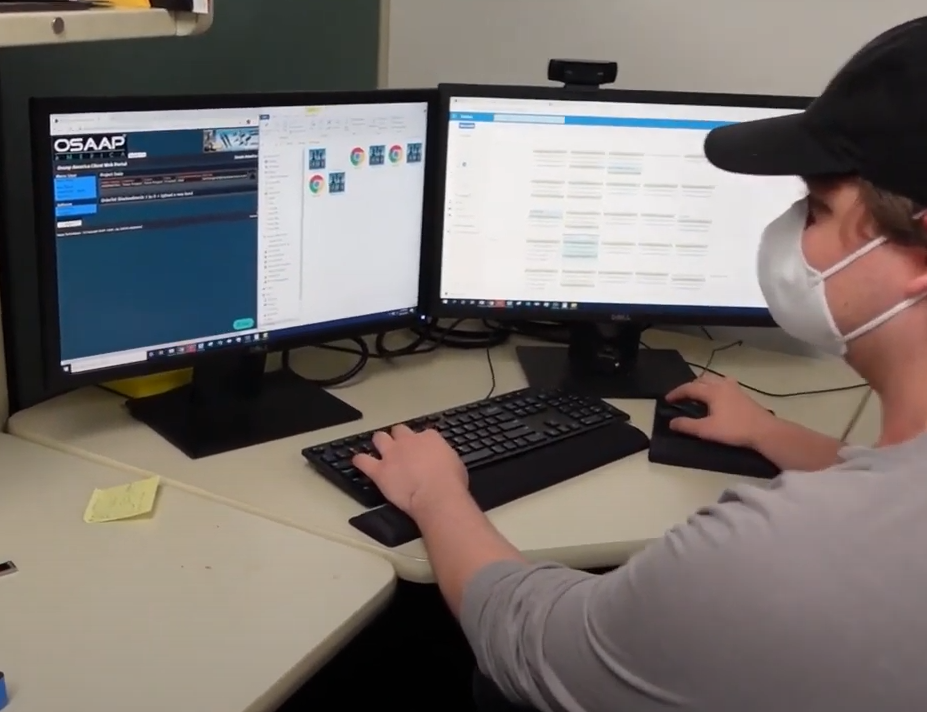
Blue Manager has an internal-facing and customer-facing interface. All the work done on your project is transparent on the customer portal.
Features and Functionality:
1. If you upload your own design, you can track the progress of your project through approval and manufacturing.
2. If you upload CAD data, tracings, or images, your project starts the free design loop immediately.
More from OSAAP Australia
Order and Cleanliness in the Workplace.